
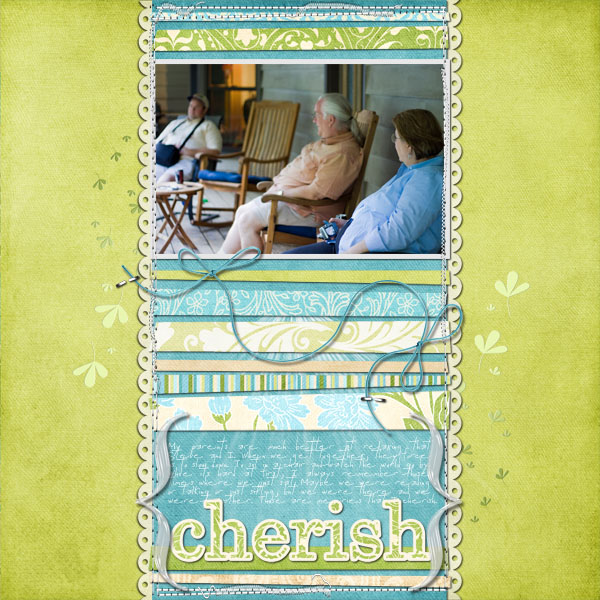
Many digital scrapbooking fans, myself included, enjoy the level of precision offered by the computer and mouse (or even a pen). However, some of the charm of traditional paper scrapping comes from imperfection, from that human element. Slightly irregular shapes, lines that aren’t exactly straight and handwritten stories help illustrate that someone’s hands touched this artwork.
While we may be pouring the same amount of love into a digital layout, it sometimes takes deliberate acts of imperfection to give a page that perfect finishing touch. For example, this reader put her own spin on last week’s template by rotating the squares a smidge.
This post will share 3 tips for adding paper-scrapped flair to your digital layouts.
1. Not quite square. Using the shape tool in Photoshop Elements, draw a square or rectangle. Then, press the Ctrl key (Cmd on Mac) to drag any corner in a slightly wonky way.
2. Location rotation. Rotate an otherwise square or rectangular shape just a few degrees, to make it look like you just glued it down that way.
3. Stitch it messily. Imperfect stitches are a scrapping staple. Use them to tack down papers or elements so they don’t “fall off”.
Bonus Tip: You can also use templates with wonky paper strips to get you there lickety split!
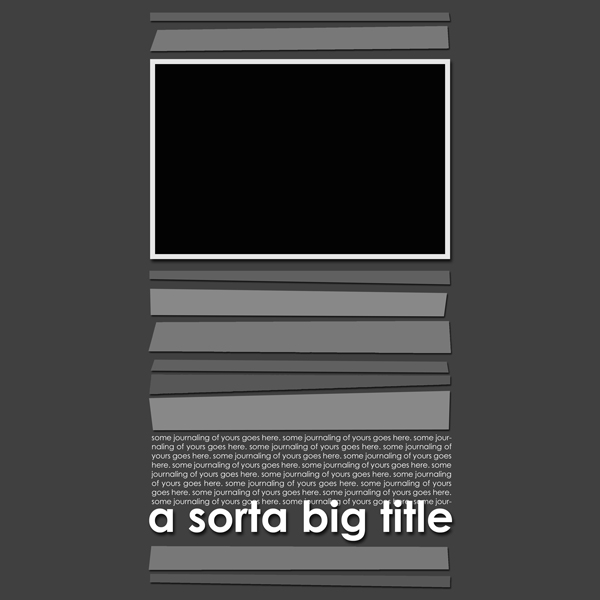
Download link moved to subscribers-only archive.
Subscribe via RSS or email for exclusive access to past freebies.
And the winner is…
Congratulations Dana! You’re the winner of Scrap Simple #4 and a $10 gift certificate to the digital scrapbook shop of your choice.
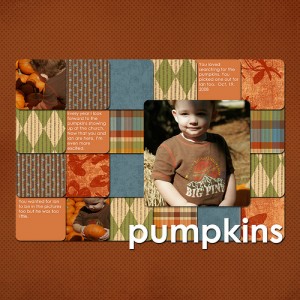
Wow, I’ve never had a layout used as an example before. Thanks!
You are so SWEET! Thanks for the cool template! And the Ctrl+drag corner thing is one of my favorite quick tips – I tend to like things a little bit ‘off’ too! Guess that says something about me 🙂
I tried this morning to use that tip in CS4, but there are no corners to my shapes! Can you enlighten me Jenn? Do I need to add control points first?
congrats to the winner and thanks for the lovely new template! I am enjoying visiting here.
Thank you for the freebie!
Thanks so much!
Love that template! Can’t wait to use it!
And congrats to the winner!
Thanks for the great template and I so did not know about that dragging the corner thing in PSE–so excited to try it!
LOVE this template – I usually don’t dl templates since I have so many already, but I just saw a LO on the GSO made with this so I had to come and get it. Thanks, Jennifer! This is the LO that made GSO: http://www.myscrapbookart.com/gallery/showphoto.php?photo=212309&cat=all&limit=last7
How do I get to the subscribers only archive. Love this template and gotta have it. Help!!!!
If you subscribe in a feed reader or get updates by email, the link and password are at the bottom of every post.
I am subscribed from the very first beginning and I subscribed a second time today but I can’t find access to subscribers only archive. any help would be really appreciated.
thanks,
gabs
See my note above to Lois. The link is in each new post.